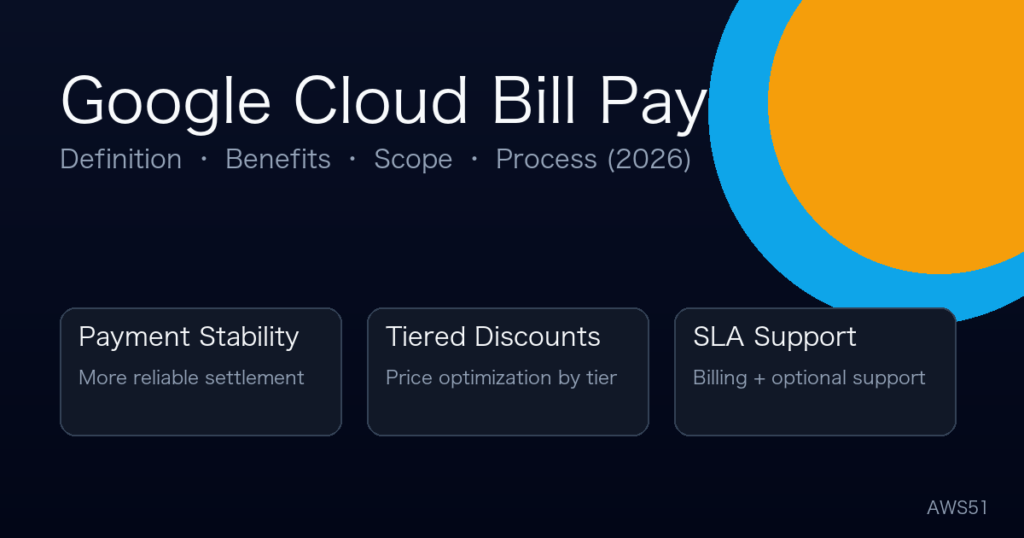
Google Cloud bill pay (reseller billing) generally refers to a setup where a qualified reseller/service provider pays your Google Cloud invoice on your behalf, and may also provide value-added services such as billing consulting, cost optimization, architecture reviews, and ongoing support. In essence, it builds a more stable payment and settlement bridge between you and Google Cloud — without handing over control of your projects and resources.
TL;DR: Google Cloud bill pay (reseller billing) means a provider settles your Google Cloud invoice and may add reconciliation, cost optimization, and support — the keys are least privilege and billing transparency.
- Bill pay ≠ resource control: grant billing roles only.
- Discounts vary by region, tiers, and contract terms.
- Confirm supported scope + exit plan before negotiating pricing.
Last updated: Feb 14, 2026
3 things to be clear about first:
- Bill pay is not resource management. A good setup limits access to billing-related permissions only.
- Discounts are not fixed. Pricing depends on region, usage tiers, commitment terms, and product categories — examples below are illustrative.
- Verify reseller credentials. If a provider claims to be “authorized/partner”, validate via official partner directories and paperwork.
At a glance: What is Google Cloud bill pay?
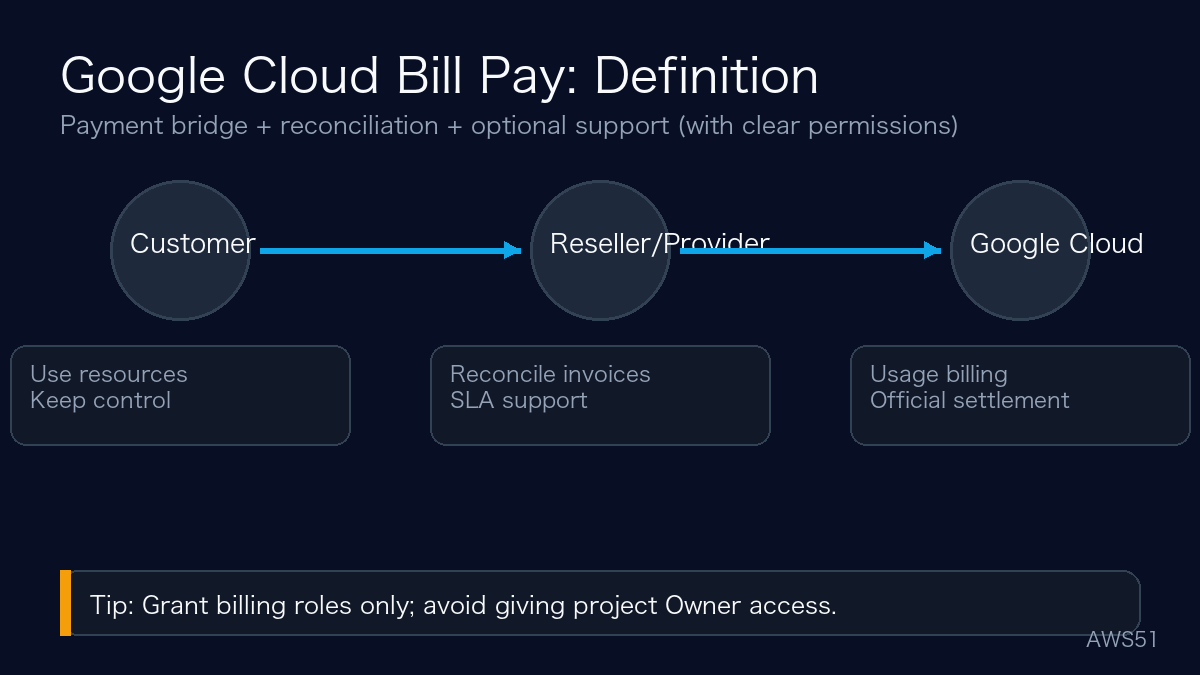
Payment options comparison: credit card vs reseller bill pay vs enterprise agreement
| Method | Best for | Constraints | Cost impact |
|---|---|---|---|
| Credit card | Individuals / small projects | Card limits, cross-border restrictions, fraud controls | Typically no discounts |
| Reseller bill pay | SMBs / cross-border teams | Billing account linkage & permissions | Tiered discounts + support (depends) |
| Enterprise agreement | Large enterprises with stable spend | Commercial evaluation & higher spend thresholds | Custom terms and commitments |
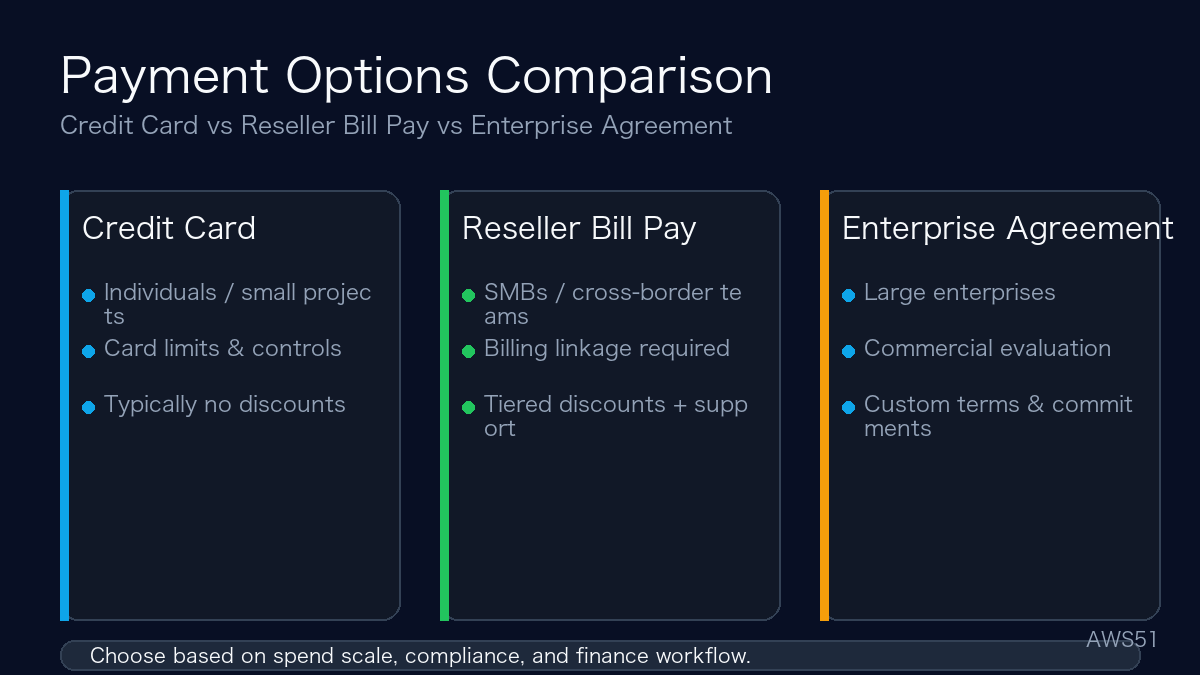
Key benefits: payment stability, cost control, and optional support
1) More stable settlement
- Enterprise teams: integrate cloud spend into controlled corporate settlement and budgeting workflows.
- Developers: reduce the risk of card failures causing service interruptions.
2) Potential cost improvements (illustrative)
- Under certain usage tiers and agreements, some teams can obtain better unit pricing (e.g., Cloud CDN traffic) via reseller discounts. Actual pricing varies by region, tier, and contract.
- Beyond discounts, usage governance (idle resources, egress, logs, sudden traffic spikes) is often where the biggest savings come from.
3) Service tiers (SLA-based)
| Tier | Includes | Response time |
|---|---|---|
| Basic | Billing Q&A, basic troubleshooting | 5×8 (typical) |
| VIP | Architecture optimization, migration assistance, 24/7 escalation | ≤15 minutes (per contract) |
Supported scope: what can be covered?
- GCP core services: Compute Engine, Cloud Storage, GKE, Load Balancing, Cloud CDN, Cloud Armor, BigQuery, Cloud SQL/Spanner, Vertex AI, etc.
- Google Workspace (business subscriptions): Gmail, Drive, Meet, Docs/Sheets/Slides (paid business plans only).
- GCP Marketplace (limited): some third-party ISV products may be payable but typically without discount.
- Commonly not supported: Google Ads/AdSense, YouTube Premium/ads, Google Play settlement, consumer products like Google One.
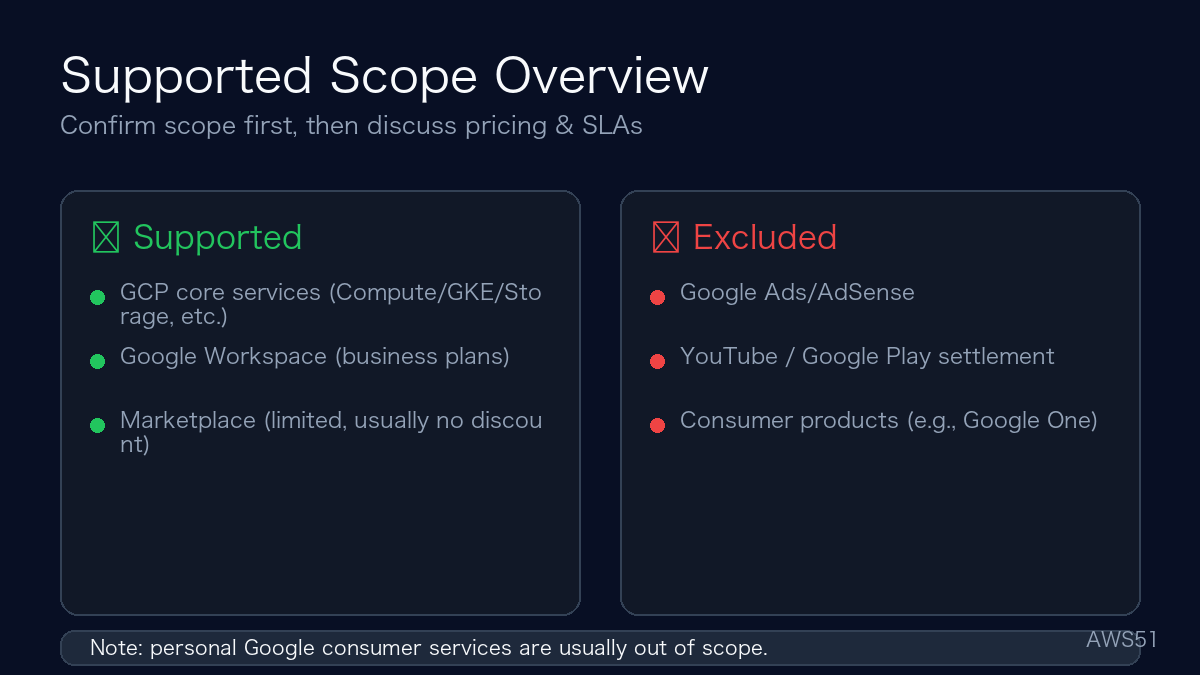
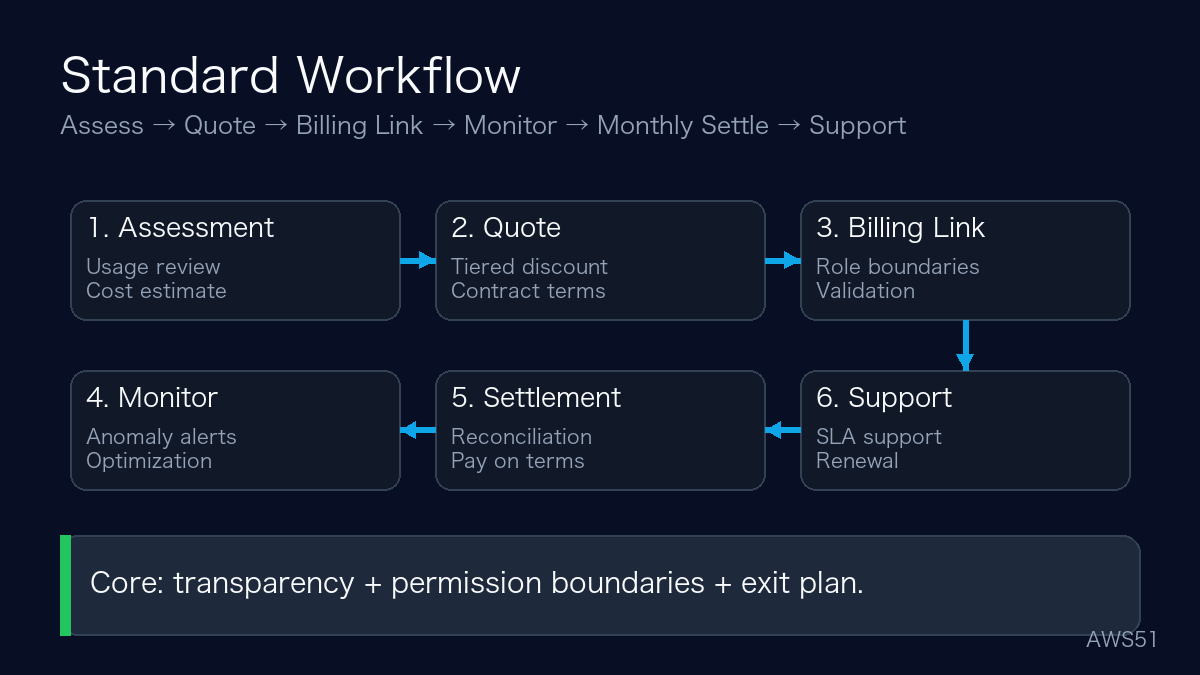
Workflow: fund flow + standard operating steps
- Fund flow: Customer → Reseller/Provider → Google Cloud
- Billing cycle: monthly usage → invoice generation → reconciliation invoice → payment per agreed terms.
- Usage assessment: review historical usage (if any) and produce cost estimate & optimization recommendations.
- Quote & discount confirmation: tiered discount based on spend and service scope; sign service agreement.
- Billing account linkage: grant billing-related permissions with clear boundaries.
- Monitoring: anomaly alerts (e.g., traffic spikes) and monthly optimization reports.
- Monthly settlement: raw bill reference + discounted settlement amount + itemized breakdown.
- Support & renewal: SLA-based support and renewal negotiation before contract end.
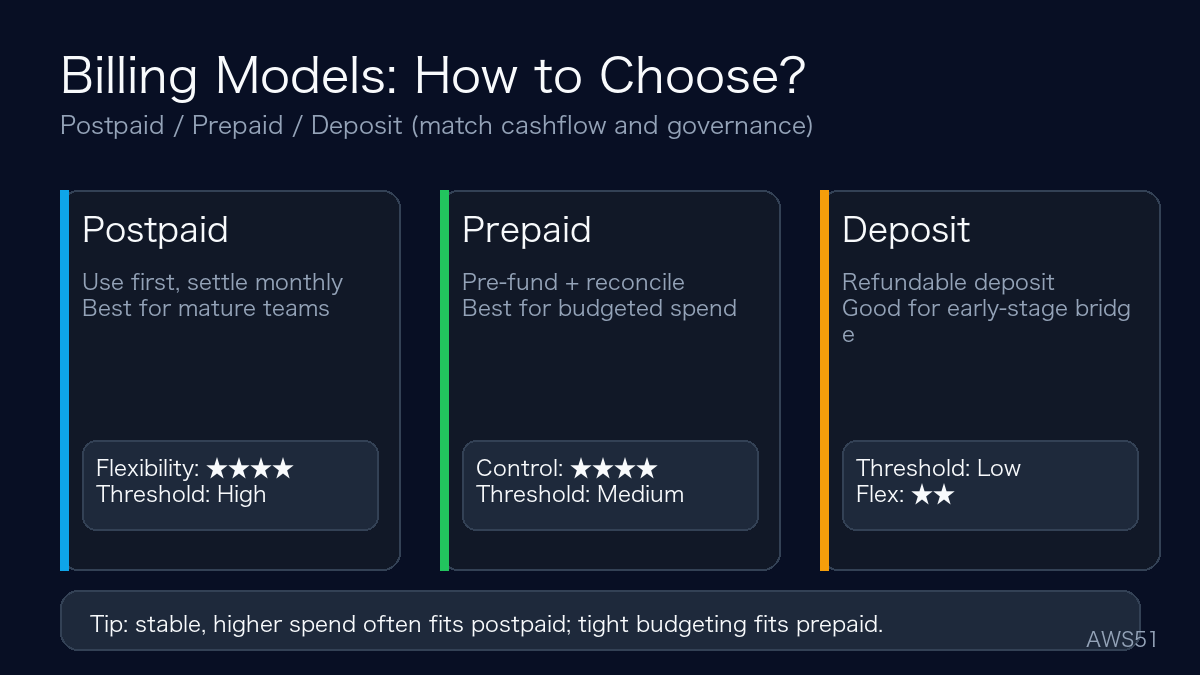
Billing models: postpaid vs prepaid vs deposit
- Postpaid: use first, settle monthly; best for mature teams with stable cashflow.
- Prepaid: pre-fund at the beginning of the cycle; reconcile at the end; best for budgeted workloads.
- Deposit: refundable deposit for a spending limit; often used as a bridge for early-stage teams.
Due diligence checklist (recommended)
- Credential verification: validate partner status where applicable; ensure contract entity matches the billing entity.
- Permission boundaries: keep access limited to billing roles; avoid granting project Owner.
- Billing transparency: request raw bill reference, itemized breakdown, and discount rule explanation.
- Exit plan: ensure you can remove billing linkage cleanly; define notification windows.
- SLA clarity: escalation path, response times, and support scope should be contractual.
FAQ
Q1: Does reseller bill pay affect my resource ownership?
If permission boundaries are handled correctly (billing roles only), it should not. The main risk is granting overly broad resource/admin access.
Q2: Why do discounts vary so much?
Discounts usually depend on spend tiers, commitment terms, region pricing, and product categories. Ask for clear discount rules and reconciliation detail.
Q3: Can bill pay cover Marketplace third-party products?
Sometimes. Coverage depends on the ISV product and settlement policy, and discounts are often not available. Make sure scope and exclusions are written into the contract.
Q4: Can I settle in local currency or via USDT?
It depends on the provider and compliance requirements. Always keep payments traceable and reconcile against itemized usage and invoice references.
Official references (Google Cloud docs)
Related posts
- Google Cloud authorized channel registration guide
- How to choose a GCP reseller/partner
- Compliance-focused payment & usage guide
Disclaimer: This post is for informational purposes and is not legal/financial advice. Discounts, billing terms, and eligibility vary by contract and policy. For Google Cloud bill pay / invoicing / cost-optimization support, see our service page: AWS51 Google Cloud Services.
