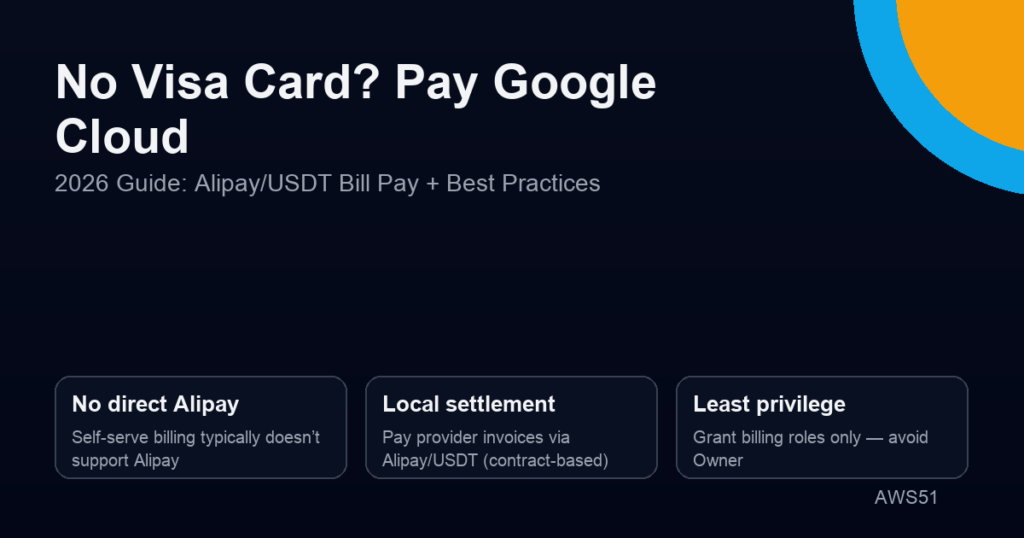
Many first-time Google Cloud (GCP) users run into the same billing roadblock: you don’t have a Visa/Mastercard (or your card keeps getting declined), but you want to settle costs via Alipay or USDT. Then you search the console and realize: there is no “Alipay top-up” button for Google Cloud billing.
TL;DR: Google Cloud is mostly postpaid. Self-serve billing usually doesn’t support Alipay directly. Without a Visa card, Alipay/USDT is typically used to pay a provider invoice under a bill-pay settlement model (contract-based).
- Stability and reconciliation first, then optimize cost.
- Grant billing roles only — never project Owner.
- Enable budgets and alerts to prevent cost spikes.
Last updated: Feb 14, 2026
This guide answers two questions:
- Why can’t you pay Google Cloud with Alipay directly?
- How can you pay your GCP bill without Visa, using Alipay/USDT in a compliant way?
Key takeaways:
- GCP is mostly postpaid: usage → monthly invoice → payment within terms.
- Alipay/USDT is typically used to pay a provider invoice under a bill-pay / reseller settlement model (contract-based).
- Bill pay ≠ resource control: grant billing roles only, never project Owner.
If you want the full definition of “Google Cloud bill pay / reseller billing”, start here: What Is Google Cloud Bill Pay? Definition, Scope & Process (2026).
Why can’t you pay Google Cloud with Alipay directly?
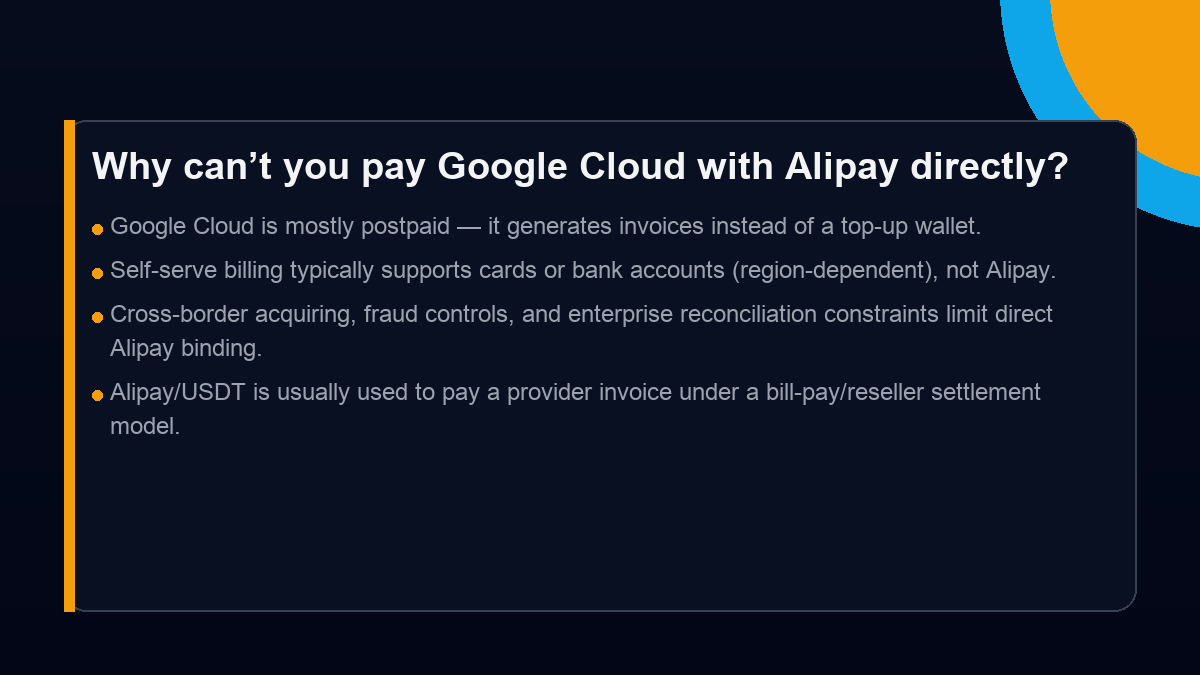
More precisely: Google Cloud is usually not a “wallet top-up” product. It aggregates usage and issues an invoice. As a result, payment methods commonly revolve around cards or bank accounts (region-dependent), rather than consumer wallet top-ups.
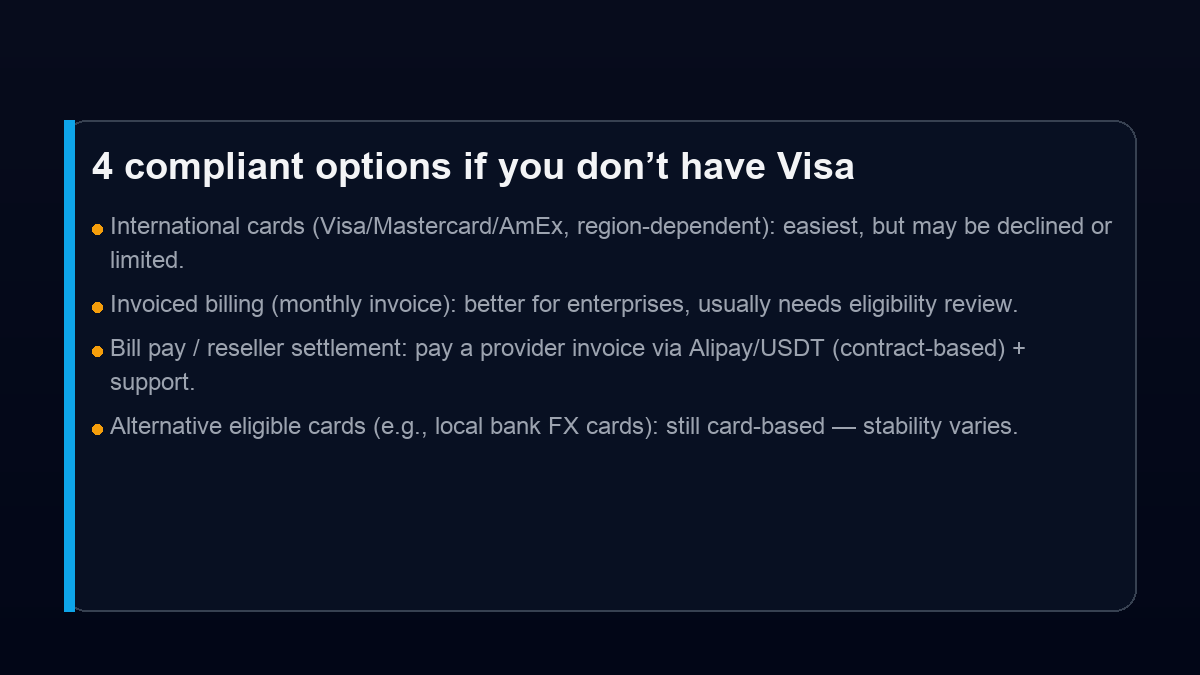
4 practical options if you don’t have Visa (quick comparison)
If your card is frequently declined, focus on:
- Payment stability first: keep workloads running before optimizing cost.
- Governance by design: itemized reconciliation + traceable payments + revocable access.
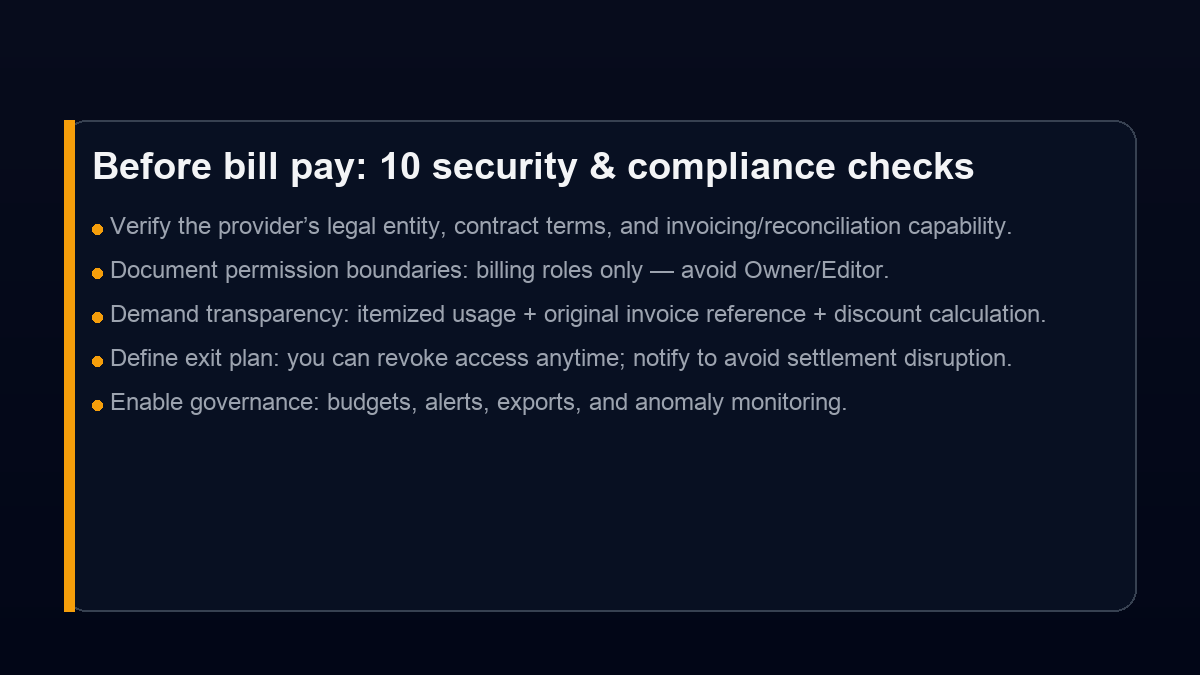
- Least privilege: billing roles only — avoid Owner/Editor.
Tutorial: paying GCP via Alipay / USDT (bill pay settlement workflow)
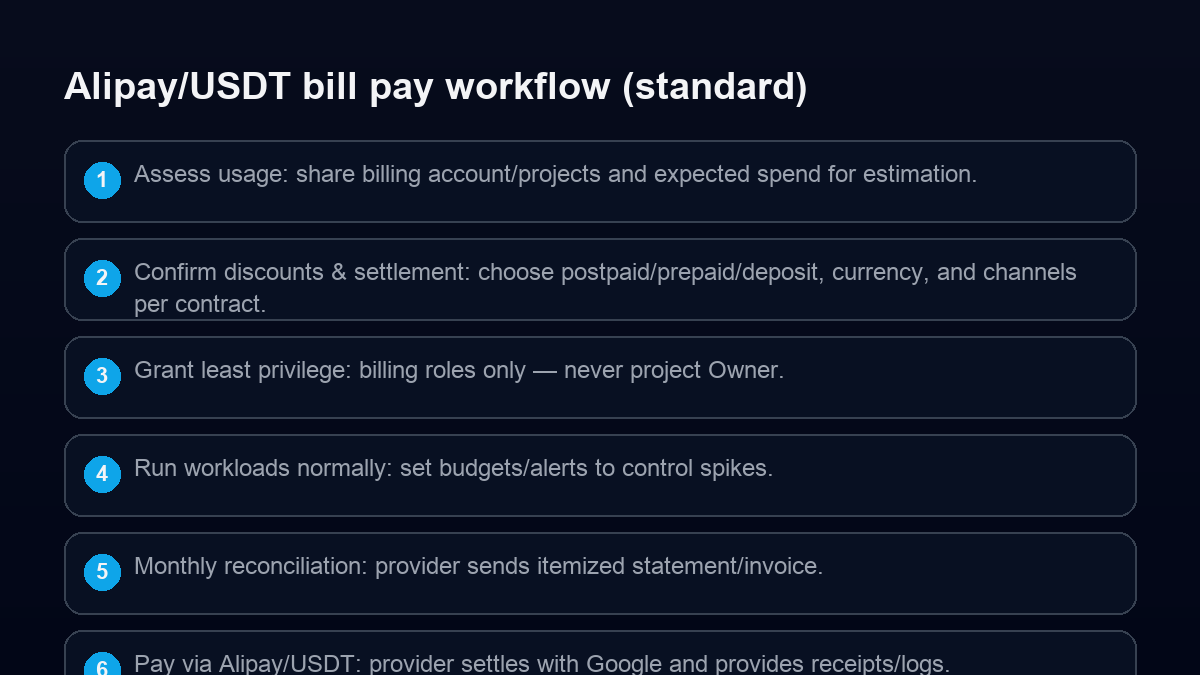
Step 1: prepare usage context
- Existing projects: share the last 1–3 months of usage/invoice breakdown by service.
- New projects: estimate expected spend (compute, storage, egress, CDN, BigQuery, etc.) and peak patterns.
Step 2: confirm settlement model (postpaid / prepaid / deposit)
Terms vary by contract and eligibility. Confirm these items explicitly:
- Supported currencies and payment channels (Alipay/USDT, if applicable) per contract and compliance.
- Billing cycle & overdue rules: invoice date, due date, and service risk if overdue.
- Discount logic: which services are discounted, and whether minimum commitments apply.
Step 3: grant billing permissions only
A good bill-pay setup is billing collaboration, not project control transfer.
- Grant billing-related roles (e.g., Billing Viewer / Project Billing Manager) as needed.
- Avoid Project Owner / Editor where possible.
- Define an exit plan: you can revoke access anytime; notify ahead to avoid settlement disruption.
Step 4: enable budgets and alerts
- Create budgets by project/label/service.
- Set multi-threshold alerts (50% / 80% / 100%).
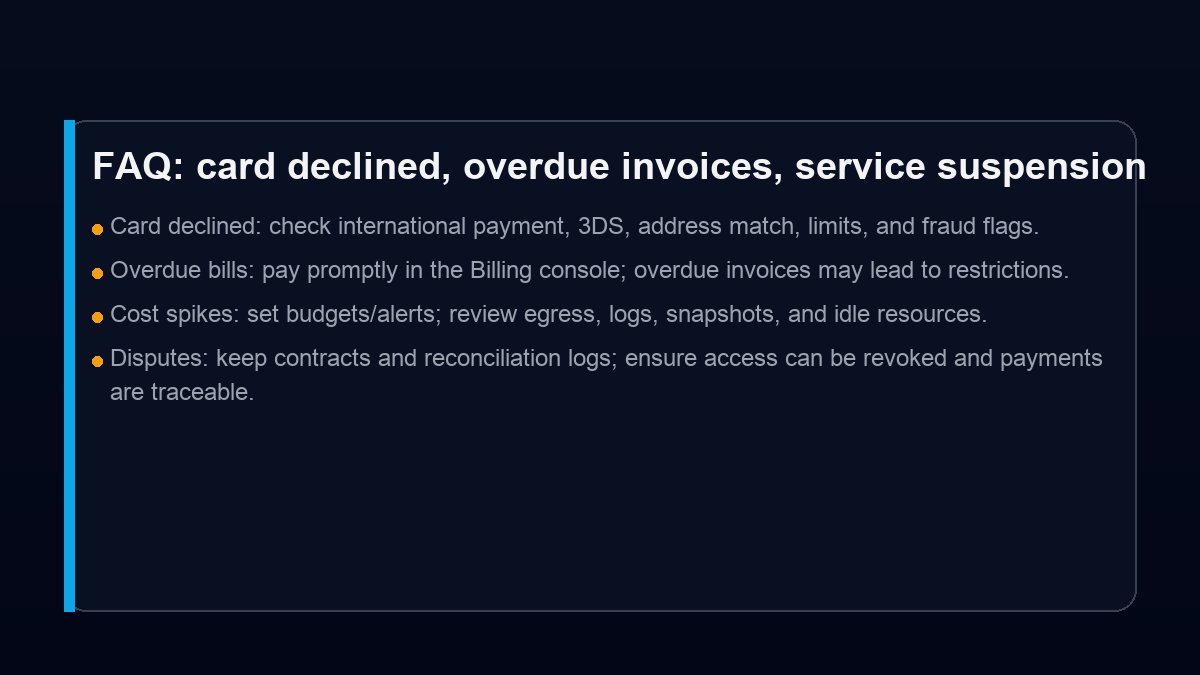
- Put guardrails on high-risk cost drivers: egress, logs, snapshots, idle instances.
Step 5: monthly reconciliation and payment
A sustainable workflow should include:
- Itemized usage + original invoice reference + discounted settlement amount.
- Traceable payments to the provider invoice (Alipay/USDT if supported by contract).
- Settlement confirmation and records for finance archiving.
Before bill pay: security & compliance checklist
FAQ
Q1: Can I bind Alipay directly as a Google Cloud billing payment method?
In most self-serve setups, no. Google Cloud billing is invoice-based and payment methods are usually cards or bank accounts (region-dependent).
Q2: What if my card is declined?
Check 3DS, address match, limits, and fraud controls. If failures persist, consider invoiced billing eligibility or a bill-pay settlement workflow to reduce interruption risk.
Q3: What permissions should I grant for bill pay?
Grant billing-related roles only (e.g., Billing Viewer / Project Billing Manager as needed) and avoid Owner/Editor. Define boundaries and an exit plan in the contract.
Official references (Google Cloud docs)
Need help? AWS51 Google Cloud bill pay & support
If you want to settle GCP spend via Alipay/USDT (where compliant and contractually supported), or you need reconciliation, budgets/alerts, and cost optimization, see:
- AWS51|Google Cloud Services
- Chinese page: AWS51|GCP 服务与结算
- Related: What Is Google Cloud Bill Pay? (definition/scope/process)
Disclaimer: This post is for informational purposes and is not legal/financial advice. Payment channels, discounts, and settlement terms depend on contract and policy; USDT-related settlement must follow applicable laws and compliance requirements.
